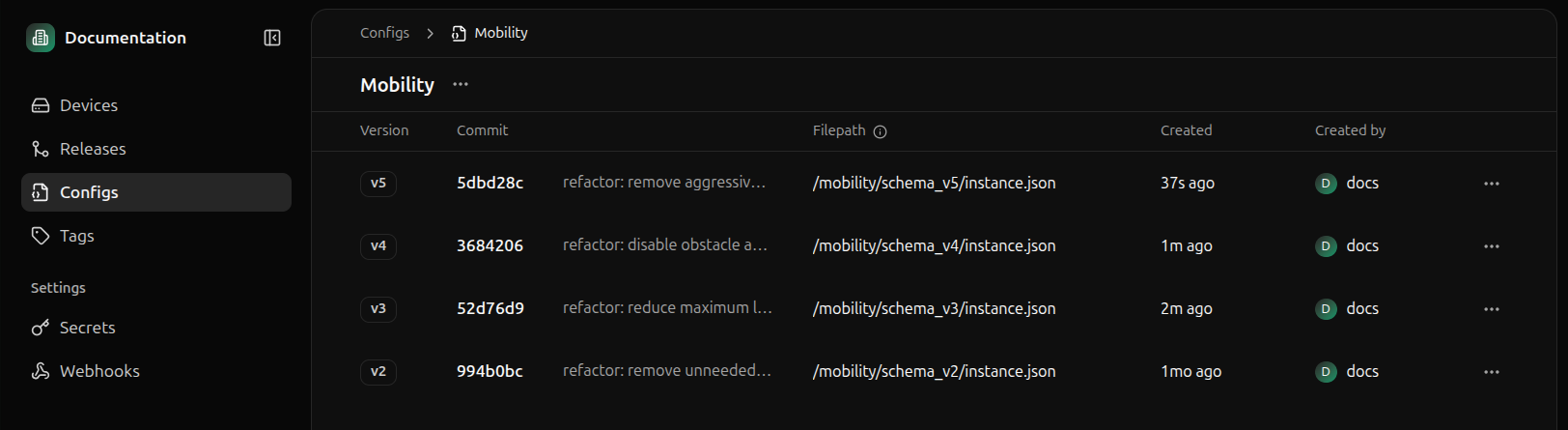
To view a schema in Miru, navigate to the Config Types page and click into the config type which contains the schema you want to view.
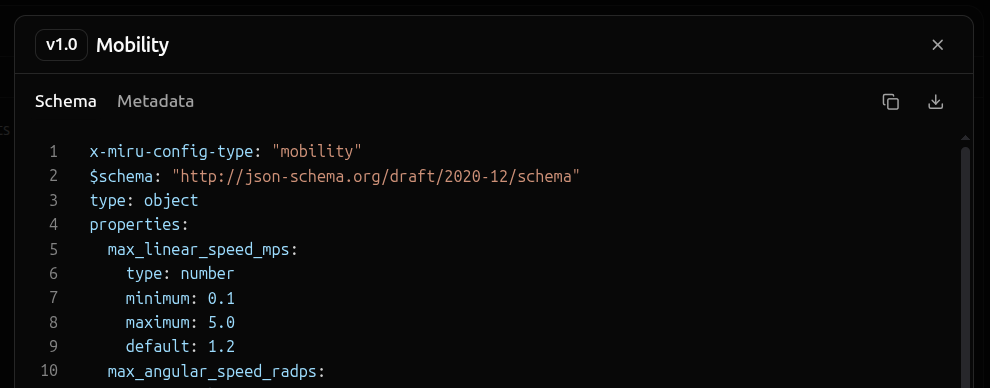
Clicking a schema will bring up the schema details panel. Select the Content tab to view the schema’s content and select the Metadata tab to view the schemas metadata.
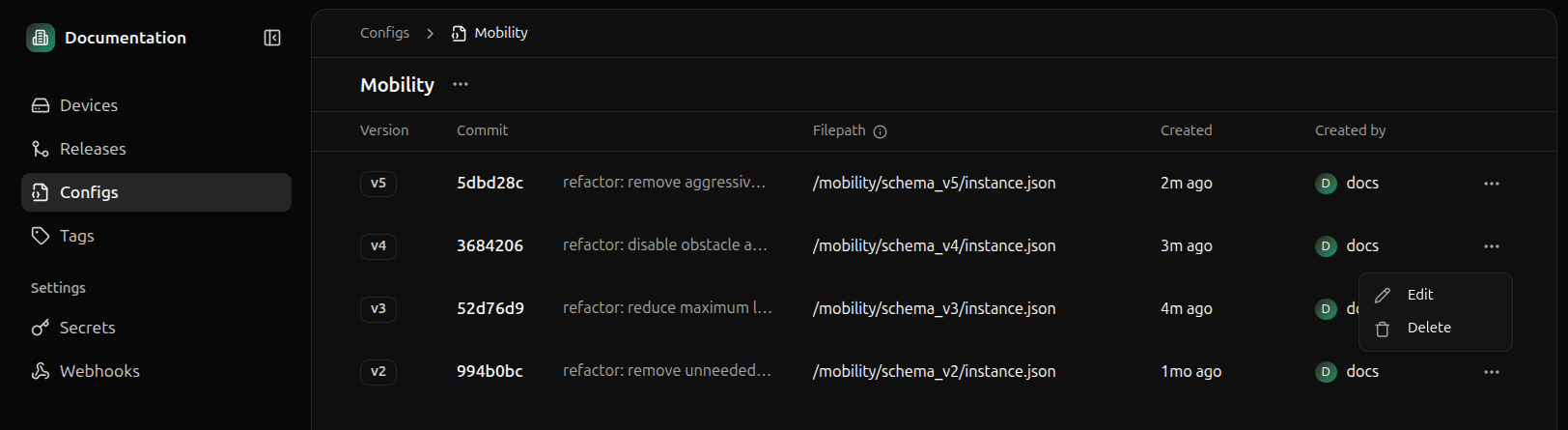
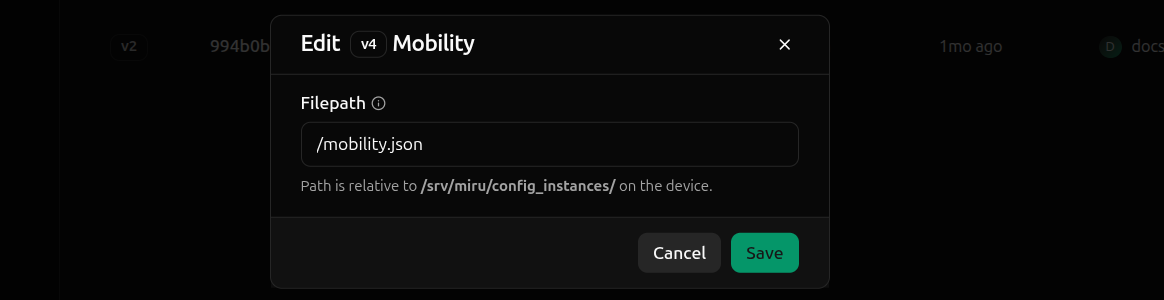
Most config schema properties are immutable. However, some properties, such as the instance_filepath, may be updated after schema creation.Editing the instance_filepath property does not affect existing config instances, including those which have been staged for a future deployment.However, any config instances created after the instance_filepath property is updated will be deployed to the file path specified in the updated instance_filepath property.For a full reference of editable properties, look for the mutable badge in the properties section of the schema overview.To edit a schema, click on the ellipses (…) of the schema you want to edit and click Edit.