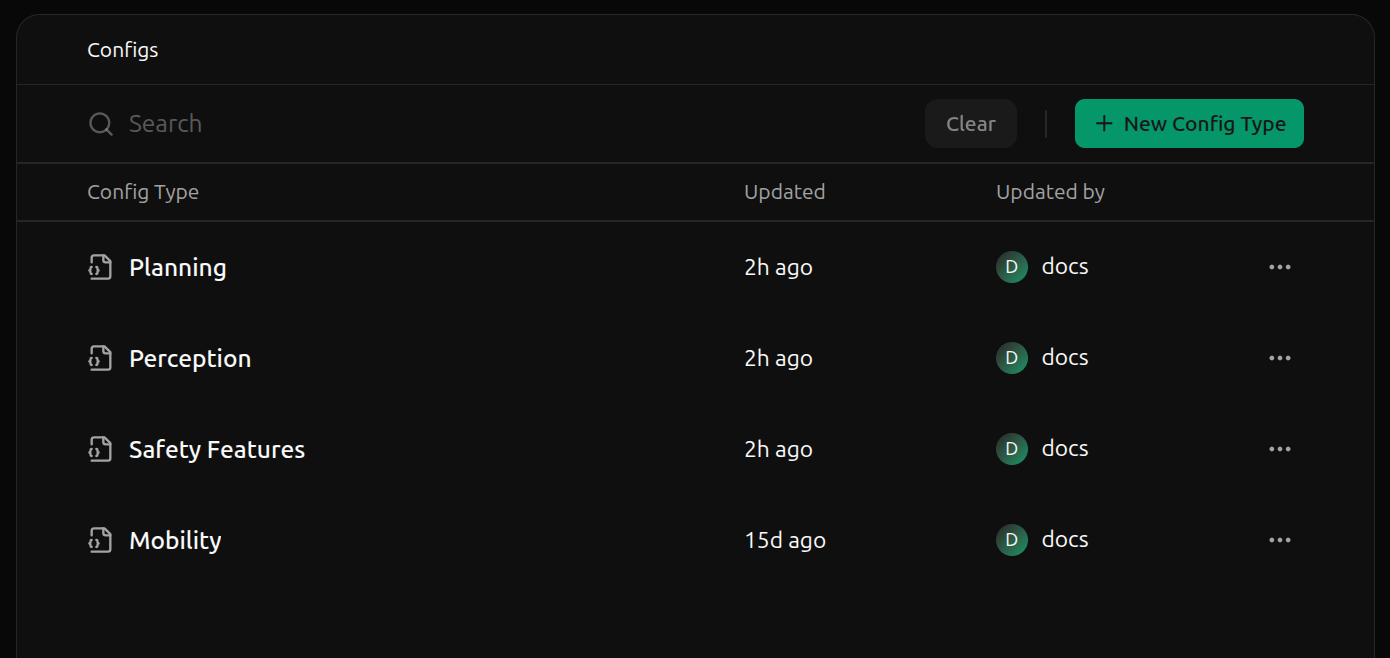
Mobility config type contains schemas and configs related to the robot’s motion, while a Safety Features config type contains the schemas and configs related to the robot’s safety. All schemas and configs belong to exactly one config type, allowing you to version and manage different aspects of your application’s configuration independently.
Properties
Config types are pretty straightforward, leveraging only a few properties. Nonetheless, config types are quite useful for organizing and managing config schemas and instances. The following properties are used to identify and manage a config type.name
mutableA human-readable display name that can contain most characters such as spaces, special characters, and punctuation. Must contain between 1 and 48 characters.Examples:
Mobility, Safety Features, Perceptionslug
immutableA unique, code-friendly identifier used to associate schemas with their config type.Slugs are immutable and must satisfy the following constraints:
- Contain only lowercase letters, digits, and hyphens (
-) - Start and end with a lowercase letter or digit
- Contain between 1 and 48 characters
mobility, safety-features, perceptionCreate a config type
Navigate to the Config Types page and click New Config Type in the top right corner.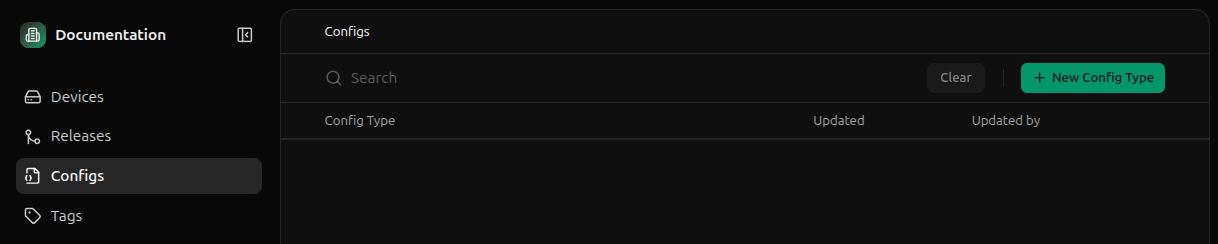

Edit a config type
Click on the ellipses (…) of the config type you want to edit and click Edit.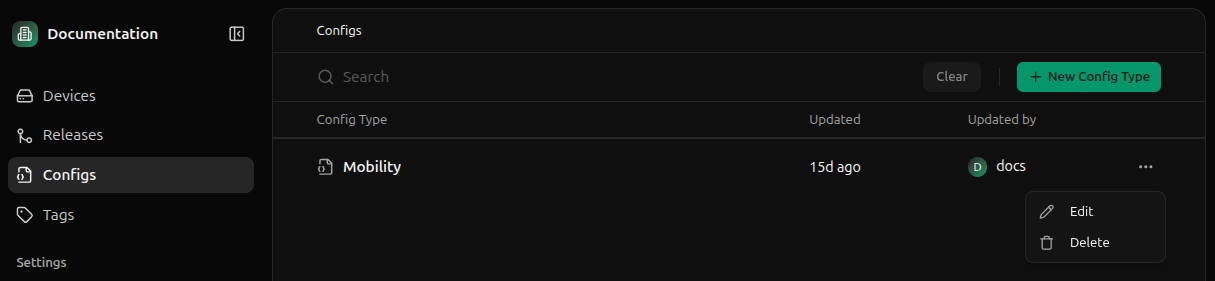

Delete a config type
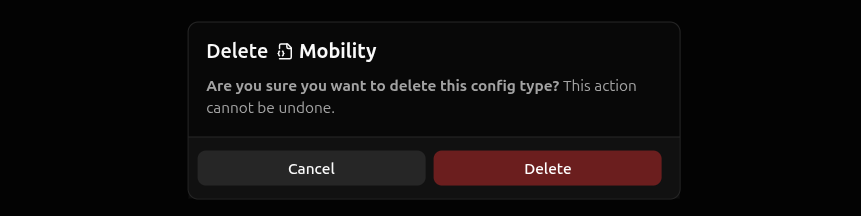
Deleting a config type is only possible if there exist no config instances for that config type. As such, most config types cannot be deleted. If no config instances exist for the config type, deleting a config type removes all associated schemas. To delete a config type, click the ellipses of the config type you want to delete and select Delete.