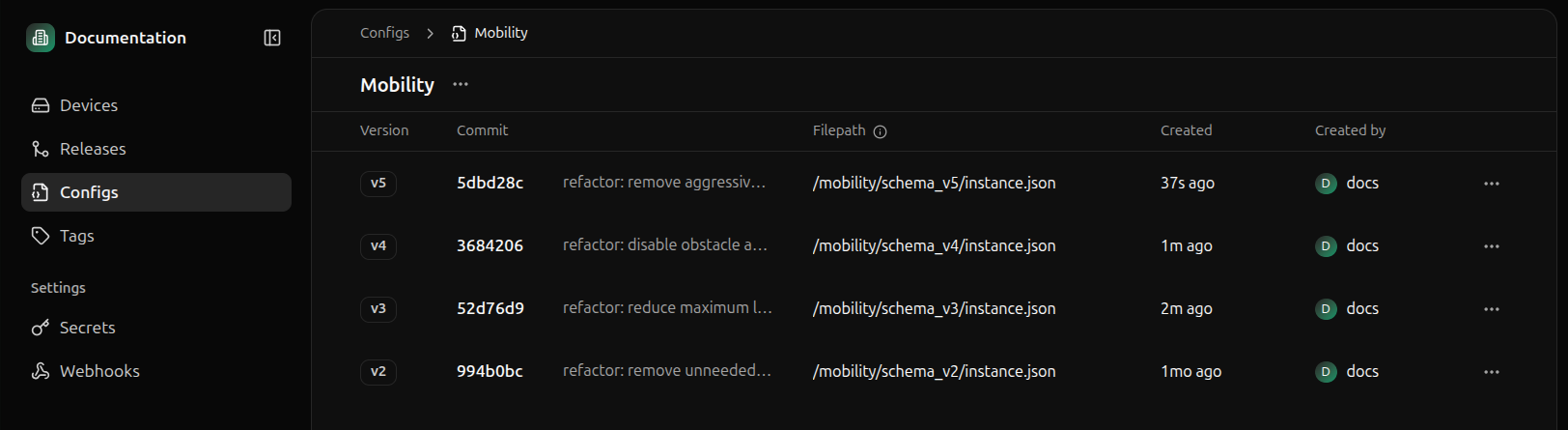
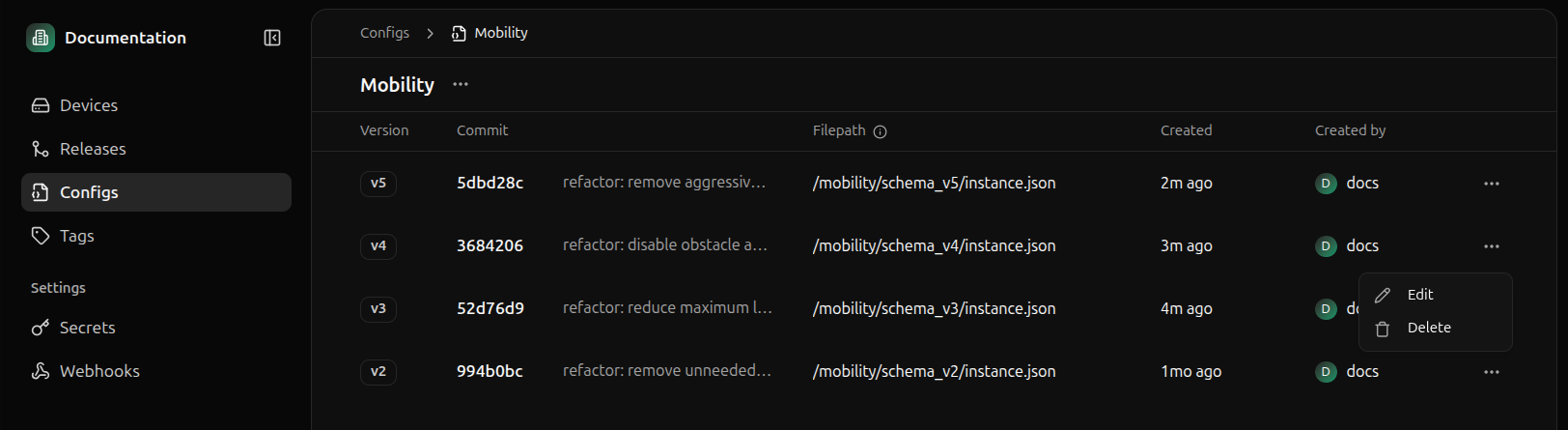
To view a schema in Miru, navigate to the Config Types page and click into the config type that contains the schema you want to view.
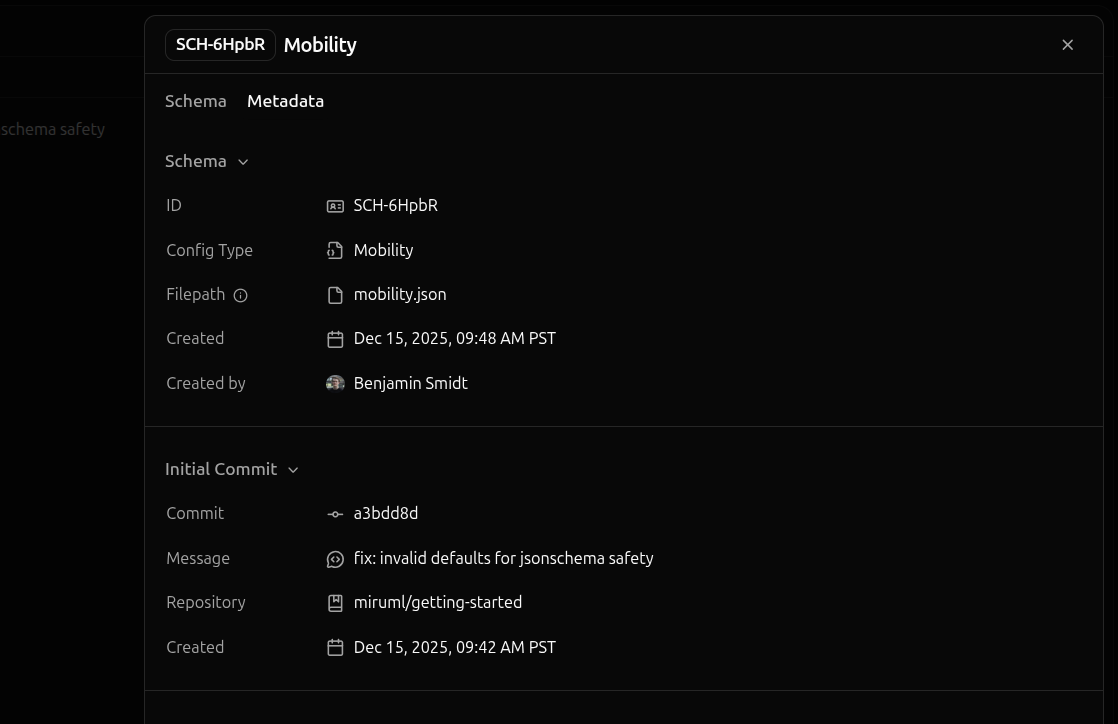
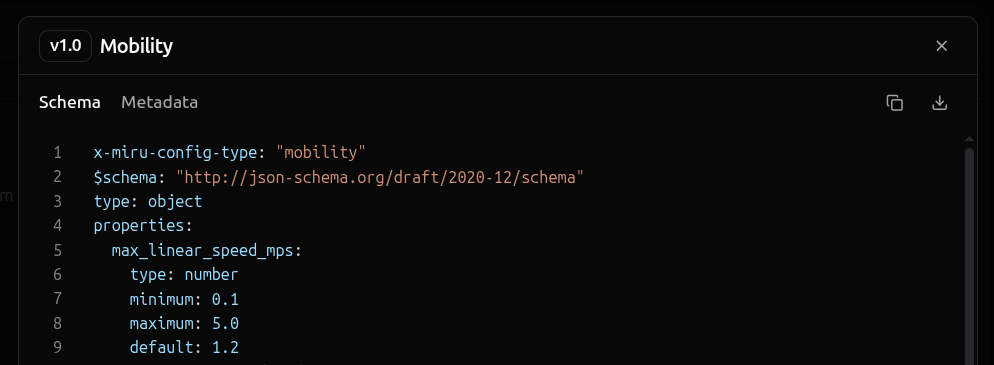
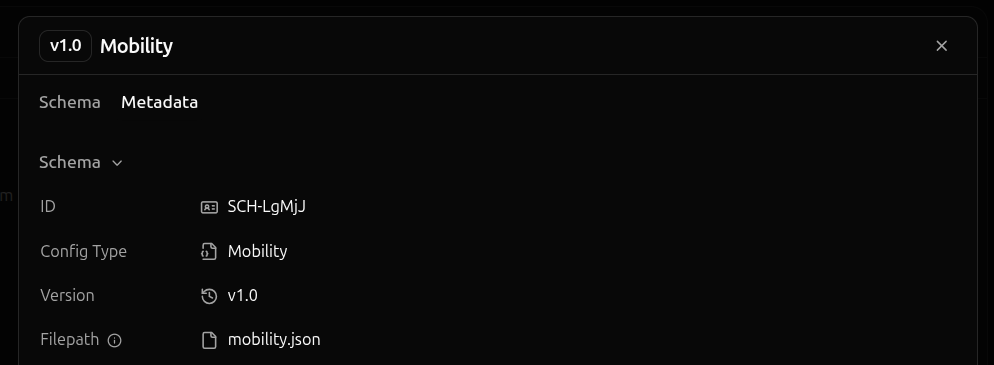
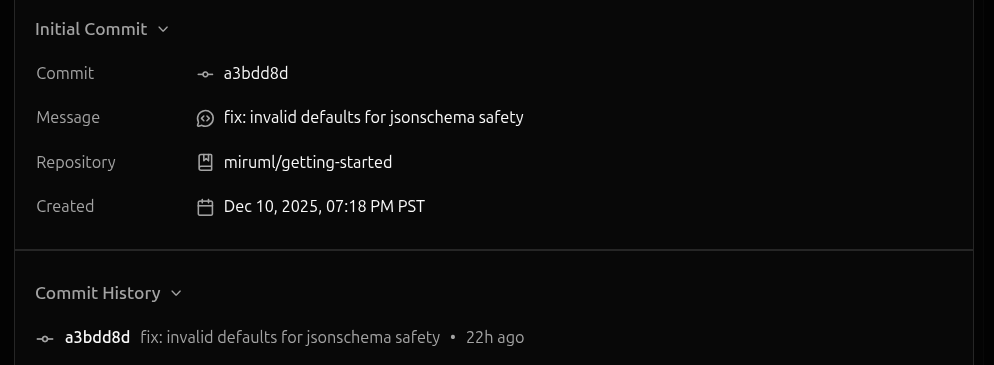
Clicking a schema opens the schema details panel, which displays information about the schema.The Content tab contains the schema’s content, while the Metadata tab contains the schema’s metadata and its Git history.
Deleting a schema is irreversible. Once a schema is deleted, it cannot be recovered.Deleting a config schema is only possible if there are no config instances for that schema. As such, most schemas cannot be deleted.To delete a config schema, click the ellipses of the config schema you want to delete and select Delete.
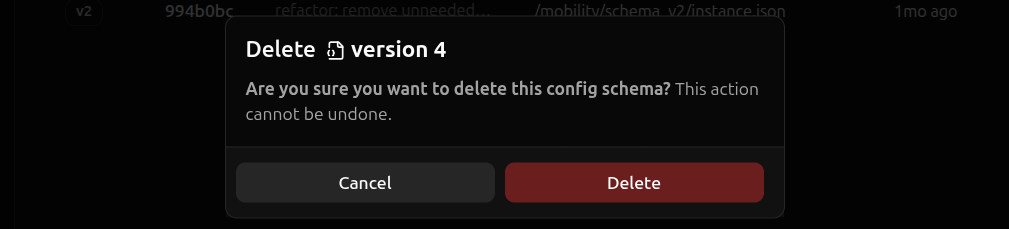
A confirmation dialog will appear. Hit Delete to confirm the deletion.