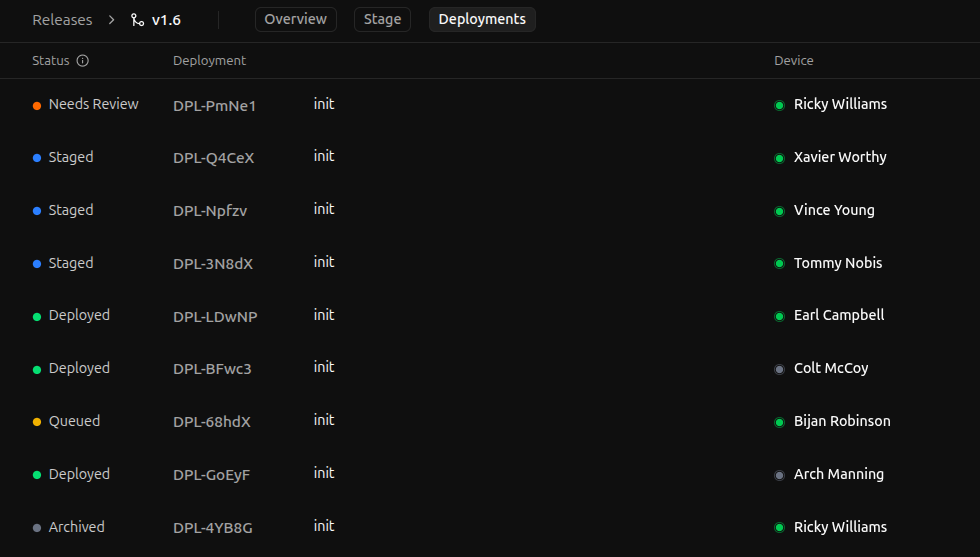
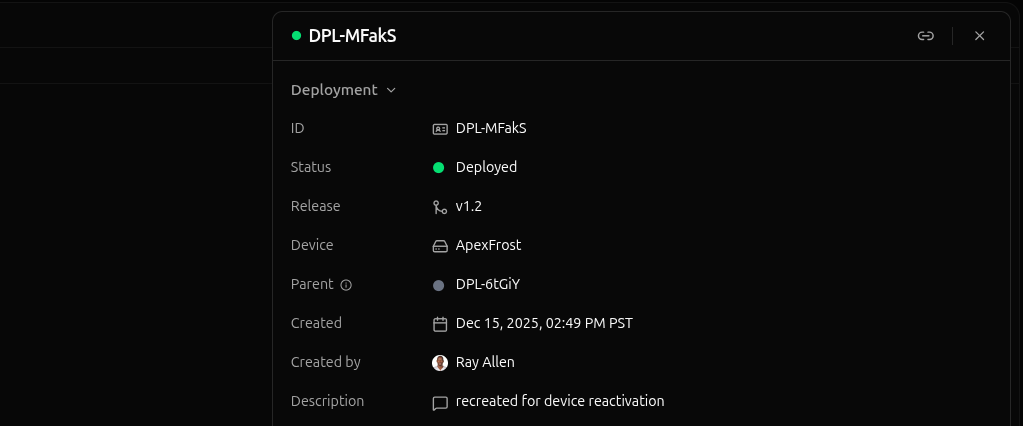
Each release has its own deployment history, accessible by clicking the release on the Releases page and selecting the Deployments tab.Unlike the staging area, the deployment history page lists all deployments for a release: staged, deployed, archived, etc. If a deployment has been created for this release, you can find it in the deployment history page.
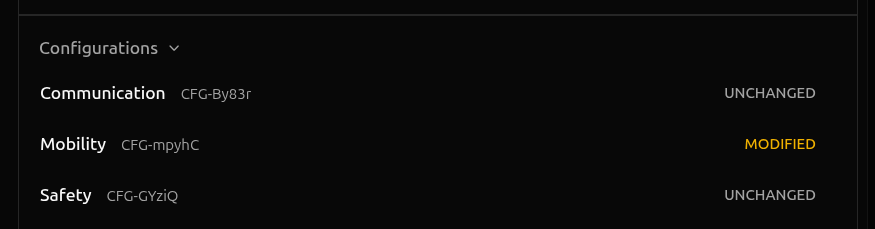
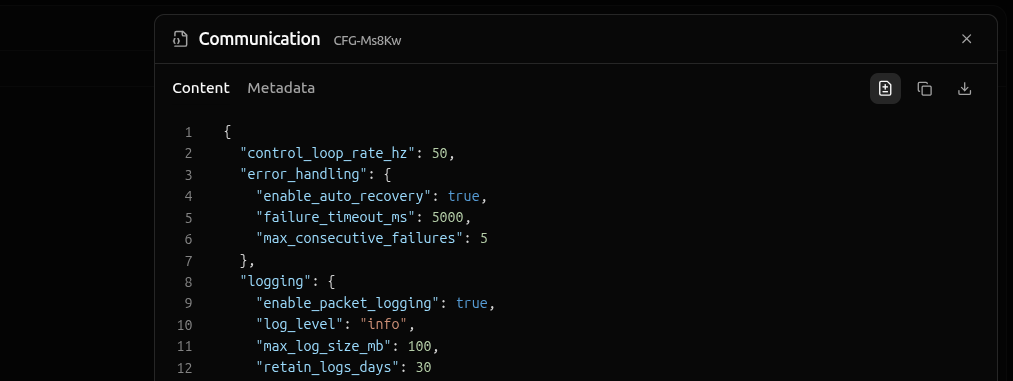
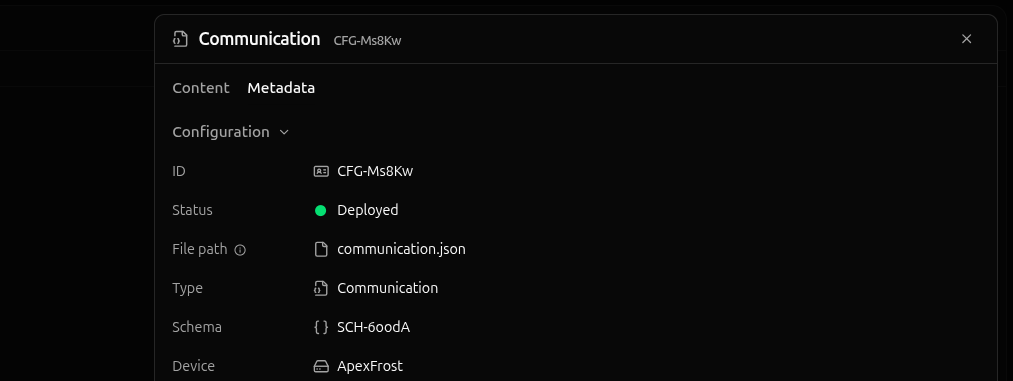
To view the details of any config instances in the deployment, click into the config instance in the Configurations section of the deployment panel opened in the previous section.
The content tab contains the config instance’s parameters, while the metadata tab contains audit information—the author, creation date, description, etc.