Leaving a workspace removes all access to your workspace and sets your status to :
You are immediately logged out
You cannot login to this workspace or access any resources (signing in with the same email address creates a new workspace with a new account)
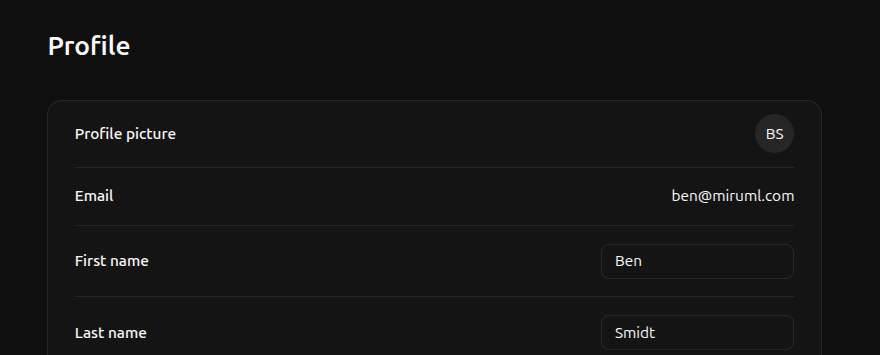
Leaving a workspace is reversible if you are not the only . An admin can invite you back to the workspace at any time.However, if you are the only active member of a workspace, leaving the workspace will delete the workspace and all associated resources.To leave your workspace, navigate to the profile page and click Leave workspace.
If the leave workspace button is disabled, you are not the only member of the workspace and first need to transfer ownership of the workspace to another member.