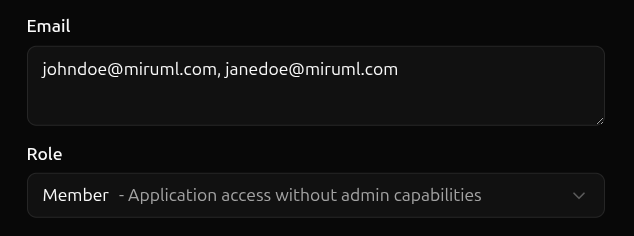
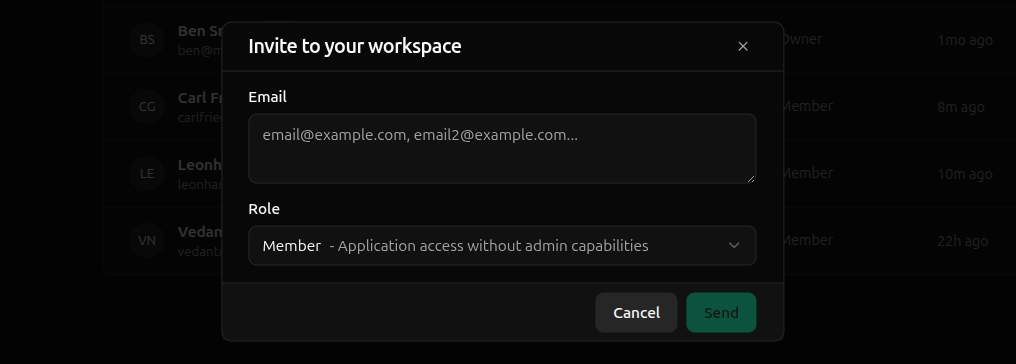
To invite a member to your workspace, navigate to the members page and click Invite in the top right corner.Next, supply the email addresses of the members you want to invite as a comma-separated list, select their , and hit Send.
An email will be sent to each member with a link to accept the invite.Invites expire after seven days. Once expired, a new invite must be issued for a member to join your workspace.
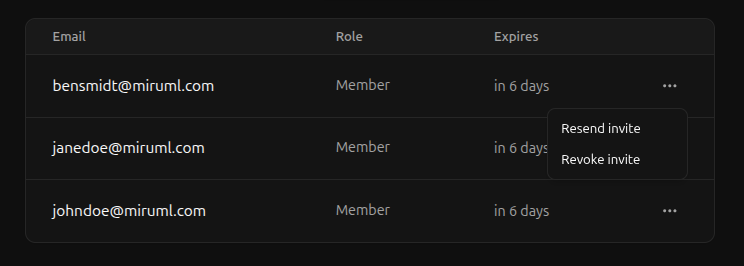
Resending an invite simply sends a new email to the invitee, but does not affect the invite in any way—previous emails are still valid and the invite’s expiration date is not changed.Since resending an invite does not extend the invite’s expiration date, invitees must still accept the invite within seven days of the invite’s original creation. To give the invitee more time to accept an invite, create a new invite.To resend an invite, navigate to the pending invites tab in the members page.Click the ellipses (…) of the invite to resend and hit Resend Invite.