This section covers invites received by users who already have a Miru account. If you do not yet have a Miru account, simply follow the instructions sent in the invitation email to join a workspace.
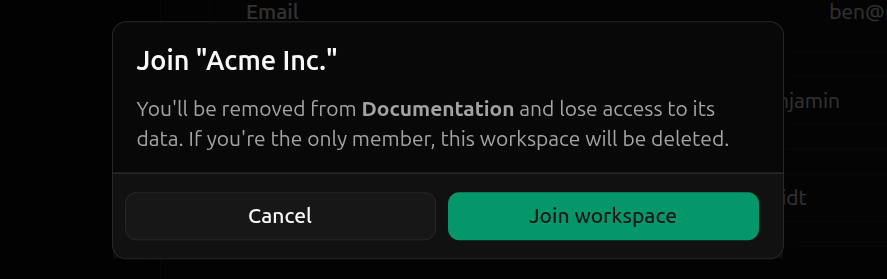
Since user accounts can only belong to a single workspace, accepting an invite from another workspace transfers you from your current workspace to the workspace you’ve been invited to:
You will lose all access to your current workspace
Your status in your current workspace will be set to
Logging in gives you access to the workspace you’ve accepted the invite from
Accepting an invite is reversible if you are not the only . An admin from the workspace you left can invite you back at any time.However, if you are the only active member of your current workspace, accepting an invite will delete the workspace and all associated resources.To accept an invite from another workspace, navigate to the profile page and hit Accept on the invite you want to accept.
Finally, click Join workspace to accept the invite and transfer workspaces.